
Introduction
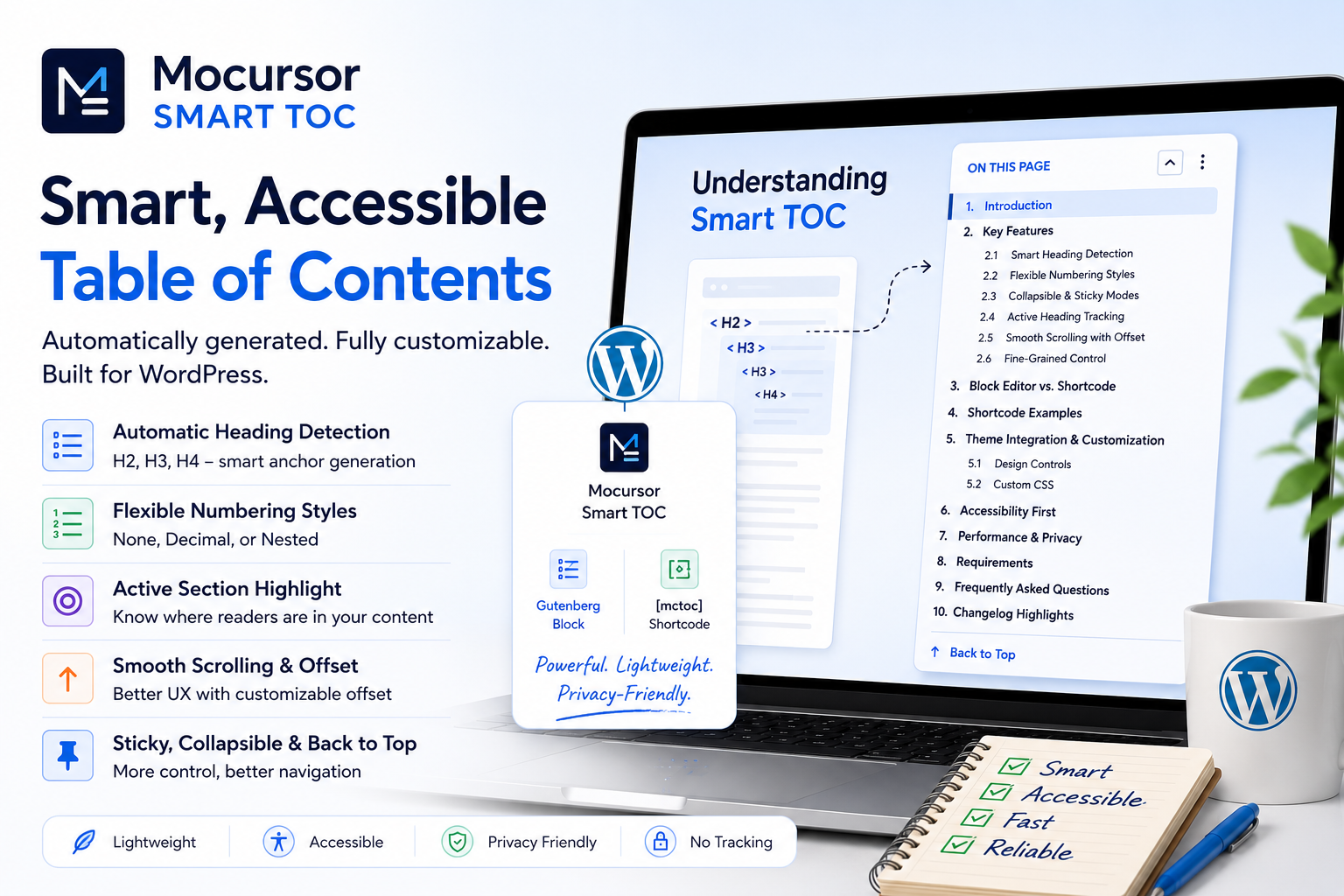
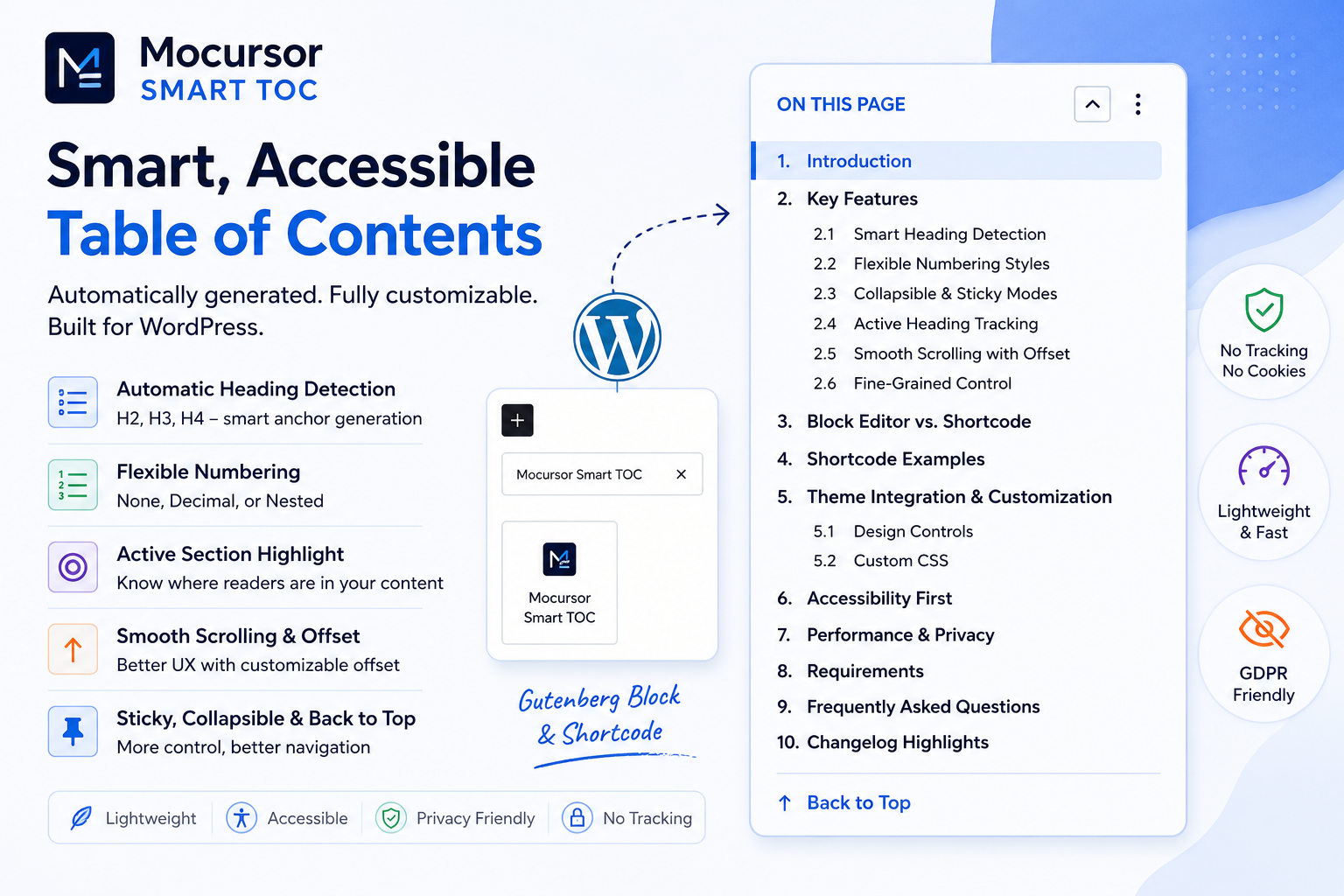
Mocursor Smart TOC is a lightweight, feature-packed WordPress plugin that automatically generates a linked, navigable table of contents from the headings in your posts and pages. It works as both a native Gutenberg block and a classic
shortcode.
- Dynamic — Server-rendered on every page load, always reflecting the latest content.
- Lightweight — No JavaScript frameworks. Pure vanilla JS for all frontend interactivity.
- Accessible — Proper ARIA attributes, keyboard navigation, semantic HTML, and focus management.
- Theme-aware — Uses WordPress design tokens and CSS custom properties to inherit your theme’s styles.
- Privacy-friendly — No external requests, no tracking, no analytics, no cookies.
Quick Start Guide
Block Editor (3 steps)
- Open any post or page in the block editor.
- Click the block inserter (+), search for “Mocursor Smart TOC”.
- Insert the block and publish. Done.
Classic Editor / Shortcode
- In any post, page, or widget, type:
- Publish. Done.
The TOC will automatically detect all H2, H3, and H4 headings in your content.
Key Features
1. Smart Heading Detection
The plugin scans your content for H2, H3, and H4 elements. If a heading already has an HTML anchor (ID), it uses that. If not, it generates one automatically from the heading text. Duplicate IDs get smart suffixes to keep everything functional.
2. Flexible Numbering Styles
Choose from three numbering styles to match your content structure:
- None — Clean list without numbers
- Decimal — Flat sequential counter (1, 2, 3)
- Nested — Hierarchical numbering (1.1, 1.2, 2.1)
3. Collapsible & Sticky Modes
Save space by collapsing the TOC by default (readers can expand it with one click). Or enable sticky mode to keep the TOC visible as users scroll down long articles.
4. Active Heading Tracking
Using the IntersectionObserver API, the TOC automatically highlights which section the reader is currently viewing. This provides excellent orientation within long-form content.
5. Smooth Scrolling with Offset
When a reader clicks a TOC link, the page scrolls smoothly to that section. You can set a custom offset (in pixels) to account for fixed headers or admin bars.
6. Fine-Grained Control
- Exclude headings by text (comma-separated list)
- Skip the first N headings (great for skipping the post title)
- Toggle individual heading levels (H2, H3, H4) on/off
- Add a “Back to Top” link at the bottom of the TOC
Block Editor vs. Shortcode
| Feature | Gutenberg Block | Shortcode |
|---|---|---|
| Live preview in editor | ✅ Yes | ❌ No |
| Design controls (colors, spacing, borders) | ✅ Yes (via block sidebar) | ❌ Limited (via theme CSS) |
| Works in Classic Editor | ❌ No | ✅ Yes |
| Works in text widgets | ❌ No | ✅ Yes |
| Works in PHP templates | ❌ No | ✅ Yes (do_shortcode()) |
| All customization attributes | ✅ Yes (via inspector) | ✅ Yes (via shortcode attributes) |
Shortcode Examples
For Classic Editor users, the
shortcode accepts several attributes:
All available attributes:
title— Custom heading text (default: “Table of Contents”)include_h2/include_h3/include_h4— true/falseexclude— Comma-separated heading texts to excludenumbering— “none”, “decimal”, or “nested”collapsed— Start collapsed (true/false)sticky— Enable sticky positioningoffset— Scroll offset in pixelsskip— Skip first N headingsback_to_top— Show Back to Top link
Theme Integration & Customization
The TOC inherits your theme’s design tokens automatically. It uses these CSS custom properties if they exist:
--wp--preset--color--primary— Link and active highlight color--wp--preset--color--contrast— Border and text color--wp--preset--color--base— Sticky mode background--wp-admin--admin-bar--height— Admin bar offset for sticky mode
When using the Gutenberg block, you can customize colors, typography, spacing, and borders directly from the block sidebar — no CSS required.
Custom CSS example: Change the active link color:
.mctoc__link–active a { color: #e74c3c; }Accessibility First
Mocursor Smart TOC was built with accessibility at its core:
- Semantic HTML using
<nav>and heading structures - Proper ARIA attributes (
aria-expanded, etc.) - Full keyboard navigation support
- Screen reader friendly (toggle button text changes contextually)
hiddenattribute used for collapsed content- Respects
prefers-reduced-motionbrowser setting
Performance & Privacy
Performance
- No frameworks — Pure vanilla JavaScript
- Zero external requests — Everything runs on your server
- Tiny footprint — Under 3KB CSS + under 3KB JS (minified)
- Smart active tracking — Uses IntersectionObserver, not scroll events
- Server-side rendering — TOC HTML generated in PHP, not client-side
Privacy (GDPR Compliant)
Mocursor Smart TOC collects zero user data. No cookies. No local storage. No analytics. No third-party scripts. No external HTTP requests. It’s fully GDPR compliant out of the box — no privacy policy update needed.
Requirements
- WordPress 6.4 or higher
- PHP 7.4 or higher
- Any theme (block-enabled or classic)
Frequently Asked Questions
Does the TOC update automatically when I change headings?
Yes. The block is dynamically rendered on the server every time the page loads.
Which heading levels are supported?
H2, H3, and H4. You can toggle each level on or off independently.
Can I exclude specific headings?
Yes. Provide a comma-separated list of heading texts in the “Exclude Headings” field.
Does it work with page builders?
The shortcode works anywhere shortcodes are processed. For Gutenberg-based builders, use the block directly.
Can I have multiple TOCs on one page?
Yes. Each TOC instance operates independently with its own settings.
Changelog Highlights
Version 1.0.1
- Added
- Enqueue frontend assets on shortcode usage for classic editor compatibility
Version 0.1.0 (Initial Release)
- Table of Contents Gutenberg block
- Automatic heading detection (H2-H4)
- Three numbering styles: None, Decimal, Nested
- Collapsible TOC with configurable default state
- Smooth scrolling with configurable offset
- Active heading highlight via IntersectionObserver
- Back to Top and Sticky mode
- Full block editor design controls
Mocursor Smart TOC is free, open-source software released under the GPLv2 license.
Development supported by Telex AI by Automattic.
Plugin Homepage | Developer Site | #mocursor #smarttoc #wordpress